Best Streaming Devices in 2026
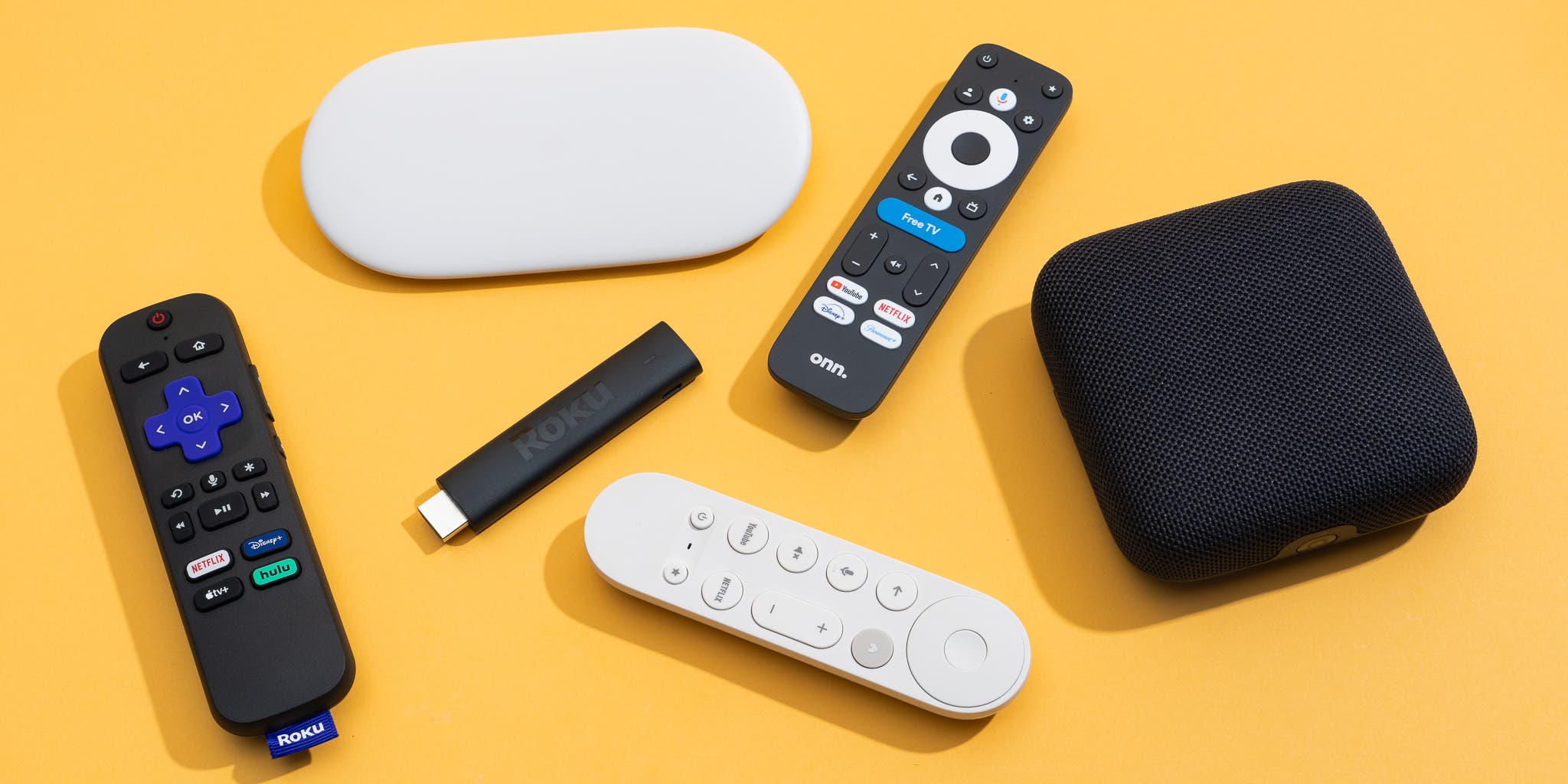
Roku, Fire TV, Google TV, and Apple TV all stream 4K HDR with wide app support, but there are meaningful differences in performance, updates, and format support.
What to Look For
- App Support: Ensure your services support Dolby Vision and Atmos on your chosen platform.
- Performance: Faster chips mean smoother navigation and better upscaling.
- Remote: Backlit buttons and TV control make daily use easier.
Everyday Experience
The differences between platforms often show up in small, daily moments. How quickly can you jump back into the last show you were watching? Does the device remember where you left off across different apps? Is voice search accurate enough that you actually use it, or do you fall back to typing with a directional pad? These quality‑of‑life details matter more than a tiny benchmark gap between processors.
Think about who else will use the device. A simple, uncluttered home screen is easier for family members who just want their usual apps front and center. Power users might prefer a platform with more advanced settings, better casting support, or tight integration with their phone ecosystem. Choosing the right box once can save you countless “how do I get back to Netflix?” questions later.
Bottom Line
Pick the device that supports your preferred formats and apps, and has a UI you enjoy using. A streaming box that feels effortless to live with will get far more use than the “fastest” one on paper.
Before you spend extra on the most powerful model, make a short checklist of must‑have apps and features—like Dolby Vision, Atmos, private listening over Bluetooth, or an input for over‑the‑air TV. Cross‑check that list with a couple of trusted reviews instead of marketing pages, then choose the box that hits all of those points at the lowest total hassle. That way you avoid overbuying, and you end up with a device that genuinely feels like an upgrade every time you sit down to watch something.